
What is BGC in TCS?
BGC stands for Background Check Verification.
In this process, TCS verifies:
- Educational details
- Identity proofs
- Address details
- Certificates
- Personal information
This is a normal process before onboarding employees.
📂 Documents Required for TCS BGC
⚠️ Note: Documents may vary depending on candidate profile.
Commonly Required Documents
- Aadhar Card
- PAN Card
- Passport (if not available – Application From)
- 10th Marks Memo
- 12th Marks Memo / Diploma
- All Semester Marks Memos
- Provisional Certificate
- Degree Certificate
Required Documents Before 15 days Joining
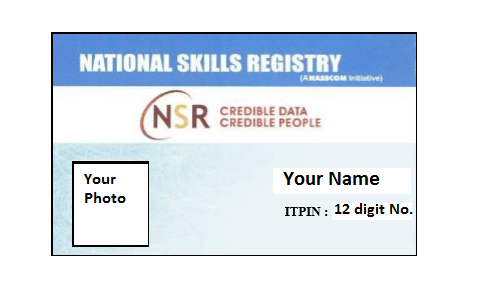
- NSR IT PIN
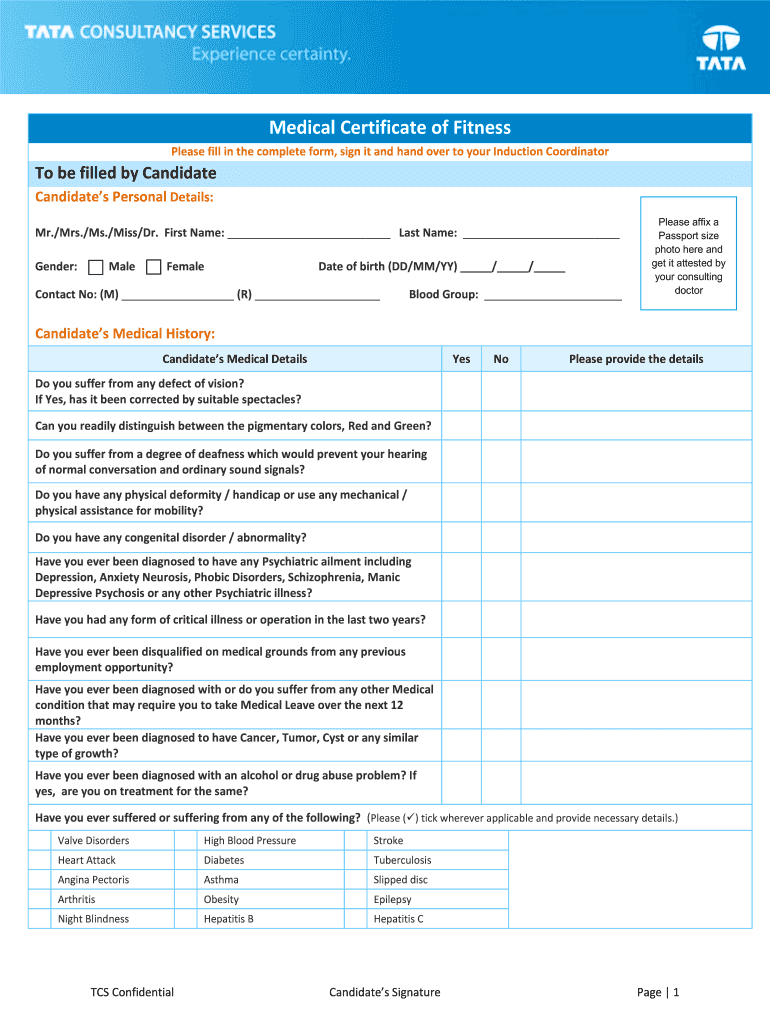
- Medical Certificate
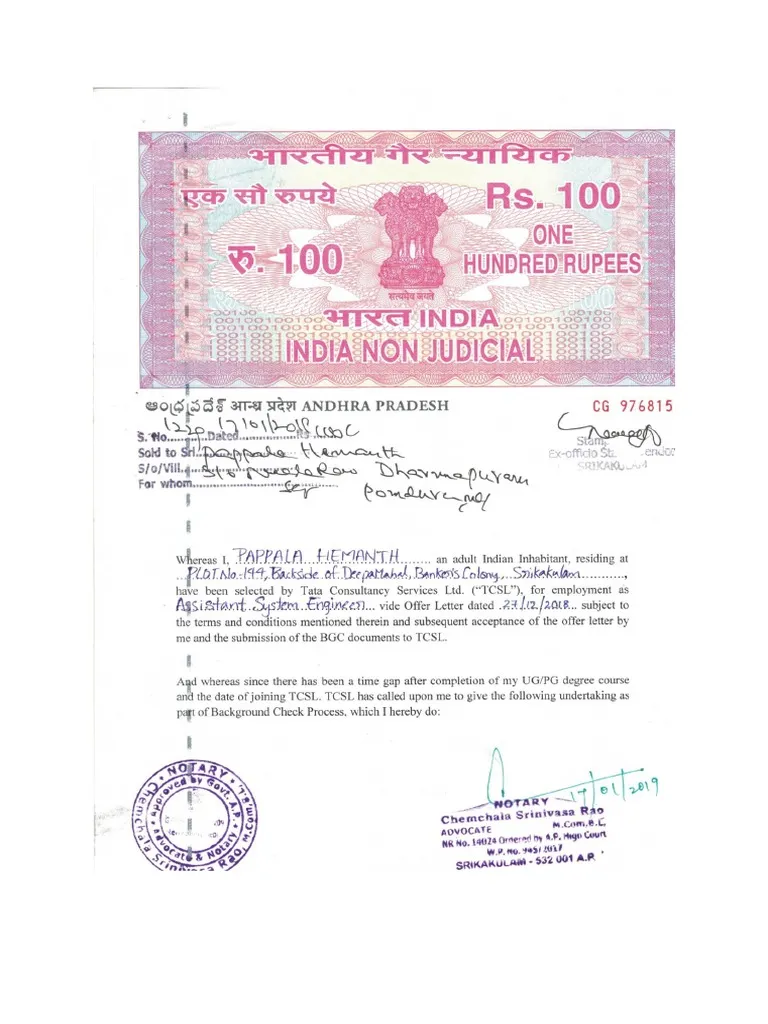
- Non Criminal Affidavit (NCA)
📸 Tips Before Uploading Documents
✅ Scan documents clearly
✅ Keep file names proper
✅ Upload PDF/JPG in required size
✅ Avoid blurry images
✅ Check name and DOB carefully
✅ Make sure all details match across documents
🎥 Helpful YouTube Resources for BGC Documents
- Passport Apply Video – Watch Here
- How to Fill BGC – Watch Here
- Apply NSR IT PIN Video – Watch Here
- Medical Certificate Video – Watch Here
- Non Criminal Affidavit – Watch Here
📁 Reference Documents
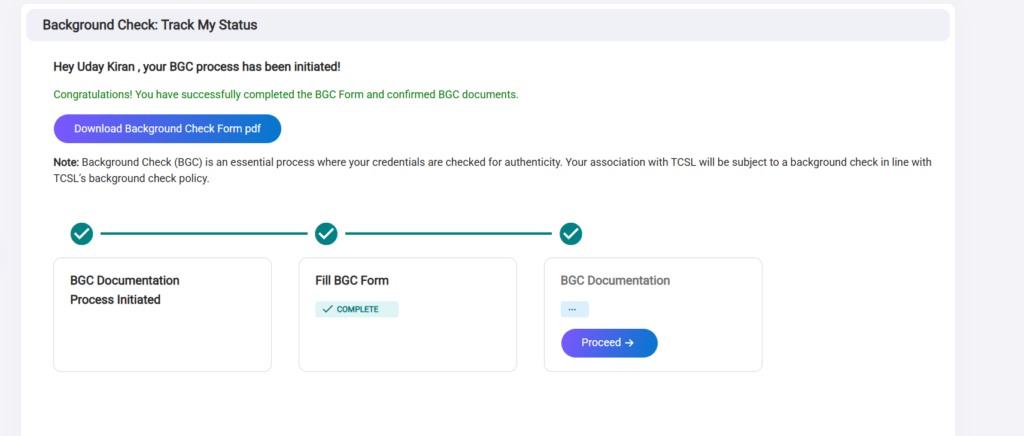
Below are some reference screenshots/documents that may help you understand the process better.
Step-by-Step TCS Document Upload Process
Step 1: Login to TCS NextStep Portal
Use the credentials provided in your mail.
Step 2: Open BGC Section
Navigate to:
Dashboard → BGC / Document Upload Section
Step 3: Upload Required Documents
Upload all documents one by one carefully.
Step 4: Verify Details
Double-check:
- Name
- DOB
- Marks
- Address
- Mobile Number
Step 5: Submit the Form
After verification, click on submit.
⚠️ Common Mistakes to Avoid
- Uploading unclear images
- Wrong document format
- Name mismatch
- Incorrect marks entry
- Missing certificates
- Uploading screenshots instead of scanned copies
📧 TCS Joining Preparedness Survey
After BGC, many students receive a mail regarding the Joining Preparedness Survey.
This survey helps TCS understand:
- Your availability
- Education status
- Joining readiness
- Document status
📝 Questions Asked in TCS Joining Preparedness Survey
Below are the questions I received in my survey mail.
Question 1
Are You Aware of your College final Semester Exam Date? (Yes / NO)
Question 2
Have you Completed your 7th Semester Exam (Yes / NO)
Question 3
Please Select the date by when your 7th Semester Marksheet from University Expected? (Select the Date)
Question 4
How Many academic Backlogs do you have present? (Select Number if You Have or No)
Question 5
Please select the date on which your final semester will be completed? (Select the Date)
Question 6
Please select the date on which your Viva Voce will be completed ? (Select the Date)
Question 7
Please Select the Result Date of your Final Semester ? (Select the Date)
Question 8
Please select the date of all your semester marksheets is released ?
Question 9
Please select the date of your provisional certificate is Released ?
Question 10
Please Specify the Uploaded documents in the NextStep Portal (Select Multiple Options)
Question 11
Please Specify Whether you will able to produce the documents when the time of Joining (Select the date)
💡 My Suggestions for Freshers
- Keep all documents ready beforehand
- Regularly check your email
- Don’t panic if status takes time to update
- Join TCS-related communities/groups for updates
- Read instructions carefully before submission
🎯 Final Thoughts
The TCS onboarding and BGC process may look stressful initially, but once you understand the steps, it becomes simple.
I hope this guide helped you understand:
✅ BGC process
✅ Required documents
✅ Upload process
✅ Joining Preparedness Survey questions
If this blog helped you, share it with your friends preparing for TCS onboarding.
📢 Follow UdayCodes
For coding, placements, career guidance, and tech content:
📸 Instagram: Follow Here
🌐 Website: udaycodes.in
🎥 YouTube: Subscribe Here